Accounts
Open booster packs
Open booster packs on an account and see the cards you pulled.
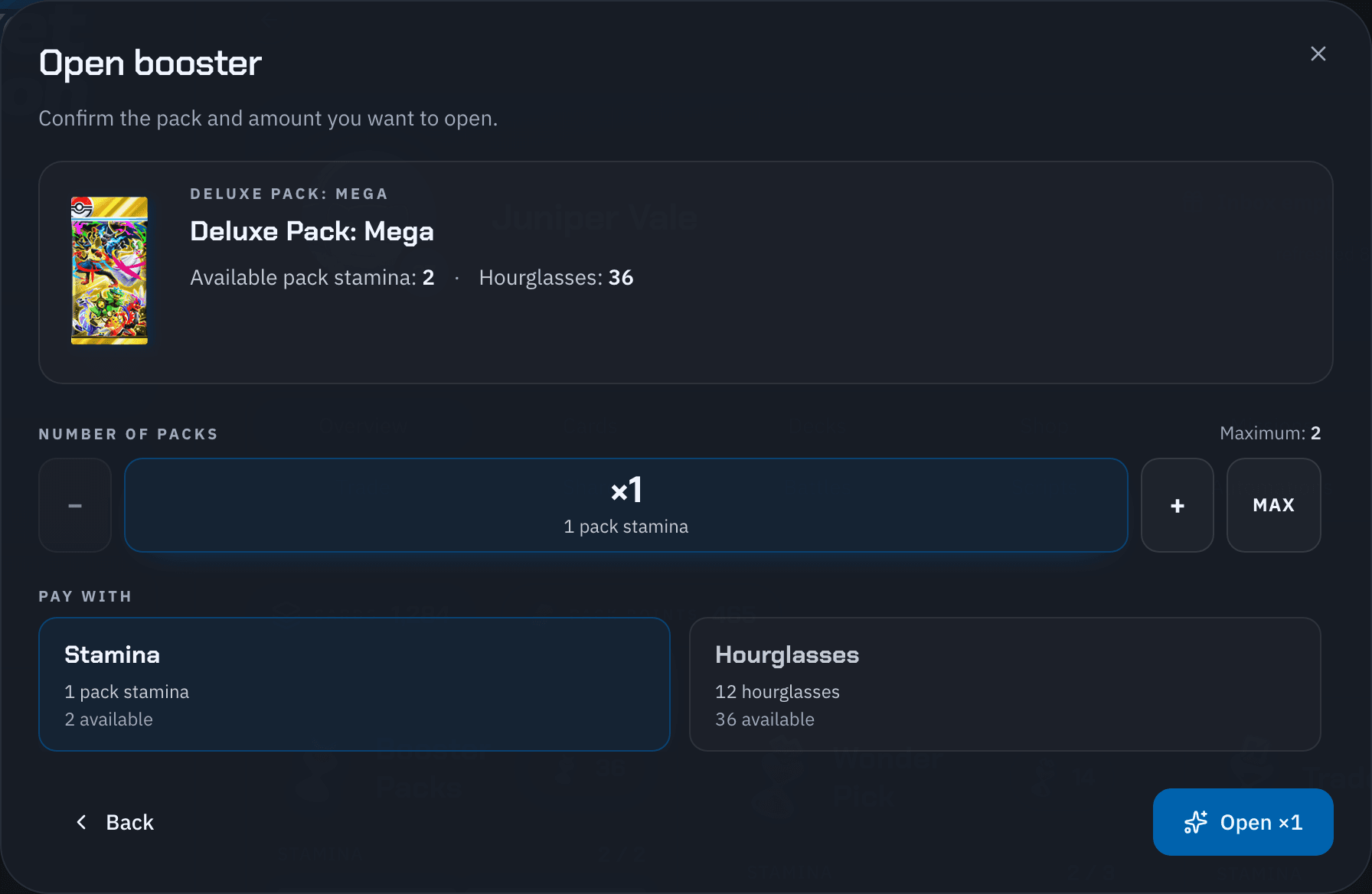
On the Overview tab, select Open Booster in the Booster Packs panel and pick a pack.
Set the Number of packs, or select Max.
Under Pay with, choose Stamina or Hourglasses.
Select Open ×N.
When the packs are open, the dialog shows Cards acquired. Select Open another to keep going, or Done to close. Your new cards are in the Cards tab.
Closed the dialog early? Select Open Booster again while you're still on the account page to see the result.
See Action costs for what this uses.