
Link an existing account
Bring the Pokémon TCG Pocket account you already play into Pocket Station by signing in with Nintendo.
You enter your Nintendo password only on Nintendo's website, never on Pocket Station. Pocket Station stores the resulting sign-in details encrypted.
Before you start
Your game save must be linked to a Nintendo Account. In the game's account settings, Nintendo Account should show as linked. If the save uses only Google or Apple, link a Nintendo Account in the game's account settings first.
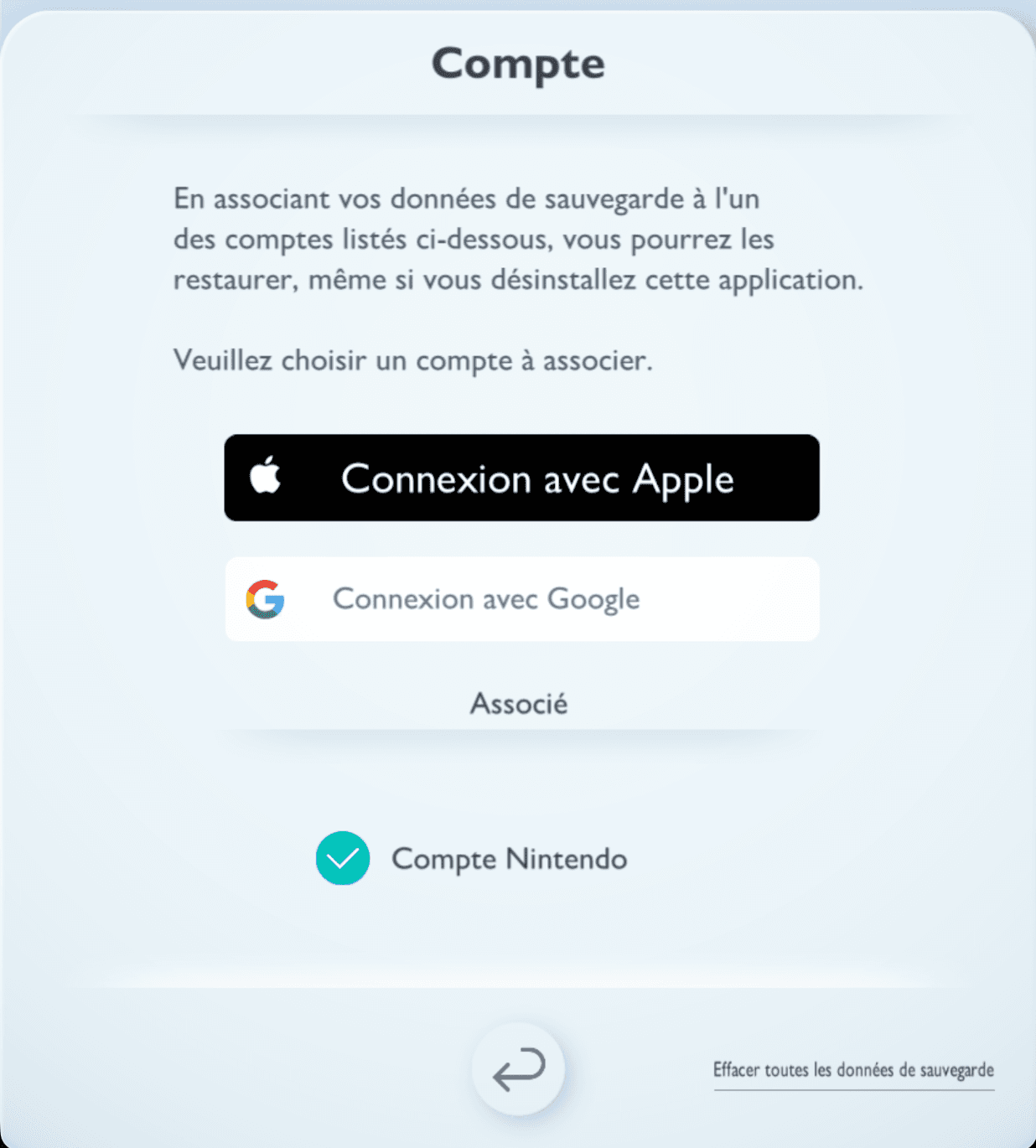
Link your account
Open the account-linking page, or select Add account on the dashboard, then Link an existing account.
Sign in with Nintendo
Select Open Nintendo sign-in and sign in with the Nintendo Account your game is linked to.
Copy the "Select this account" link
Don't click or tap the red Select this account button. Copy the link behind it instead.
Right-click Select this account and choose Copy link address.
Paste the link in Pocket Station
Back on Pocket Station, paste the link, which starts with npf, or select Paste. Then select Link my account.
When Account linked appears, select Open my account to use the account.