Getting started
Create a new trainer
Have Pocket Station create and set up a brand-new Pokémon TCG Pocket account.
Your plan limits linked accounts and trainers created per day. Compare plans on the Pricing page.
Create the trainer
On the dashboard, select Add account, then Create a new account (Create a new trainer if you don't have any accounts yet). Pick an avatar, add a name if you like (a blank one gets a random name), select Create trainer, and once it's ready, open your first pack.
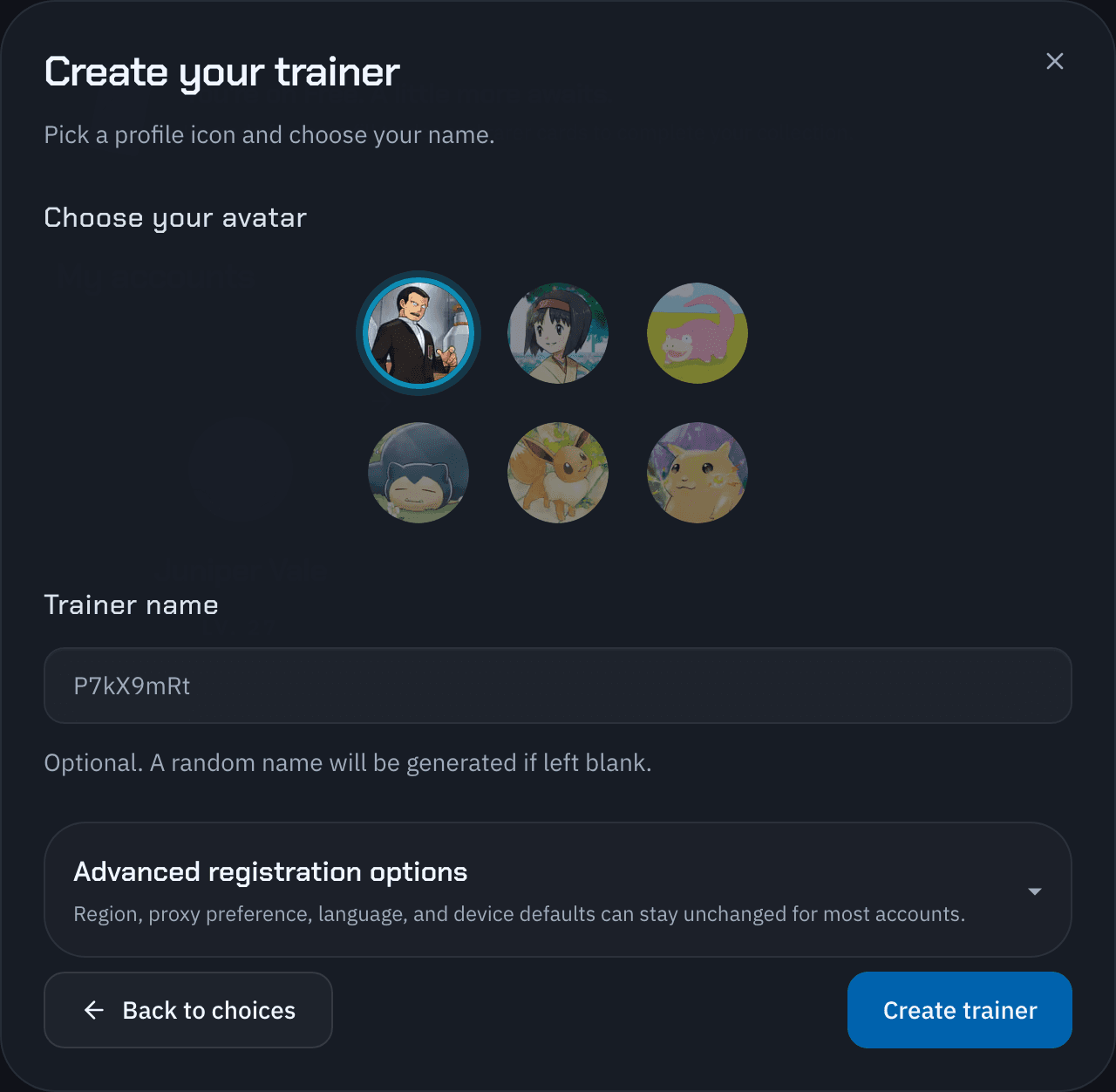
Advanced registration options
| Option | What it means for the account |
|---|---|
| Account region | The trainer's region in the game. It defaults to the first supported region in your browser's locale list, or the United States if none is supported. |
| Preferred proxy location | The country Pocket Station tries to connect from. You can change it later in Proxy location. |
| Language | The trainer's in-game language. Cards the account gets come in this language. |
| Device | The iPhone model and iOS version the trainer registers with. The default works for most accounts. |
You can't change the account region after the account is created.
Read Unlink an account before unlinking it.