
Fill Collection
Request a missing card from Pocket Station's inventory in exchange for one of your spare cards.
Fill Collection lists cards Pocket Station can trade to you right now. You pick one and give one of your own cards in exchange, as long as the account meets the Trade requirements. Pocket Station runs the trade with one of its own partner accounts.
Choose who gets the card
Under Who gets the card?, pick the account to fill. The card you give comes from this account too.
Find the card
Each tile shows the copies the account owns, the rarity, and the price in Fill points. A lock badge means your plan doesn't include that rarity. Use the filters to narrow the grid.
Spare copies starts on Spares only (2+). It lists a card only if the account has 2 or more copies, in one language, of a same-rarity card from the same expansion. The trade itself accepts a card from any expansion, so select Show all cards if the filter empties the grid.
Pick a language
Select a tile, pick the language you want, then select Request trade.
Confirm the trade
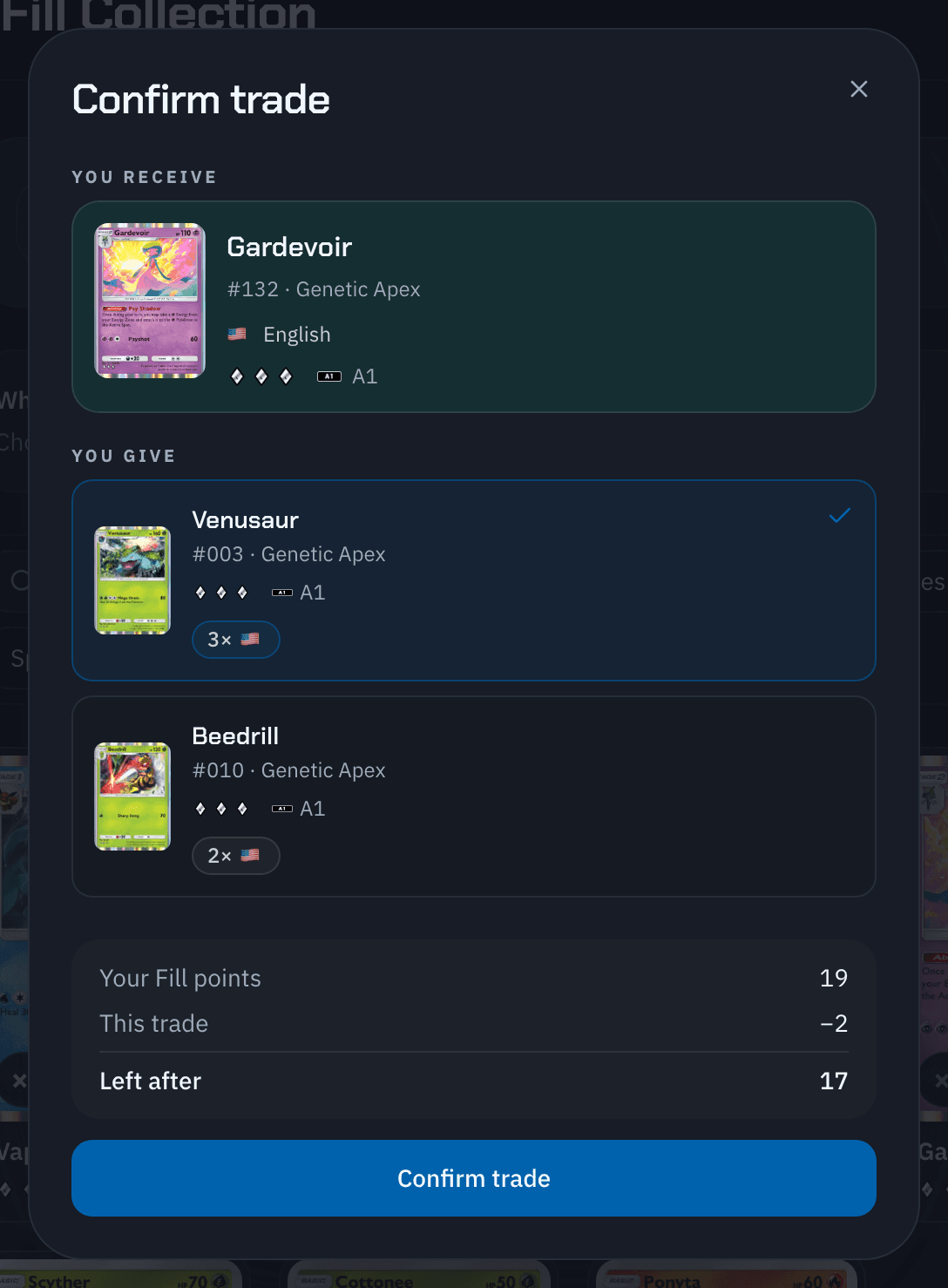
The Confirm trade dialog shows You receive and You give. Pocket Station preselects the card and language you have the most copies of. If you own it in several languages, choose the copy with You give in. Select Confirm trade.
With Spares only off, the list can include a card you own just one copy of. Check the count before you confirm.
To follow, cancel, or recover the trade, see Automatic trades.